Paginel Board
Your tasks as cards, for you and your agents
A board your agents read and write like text.
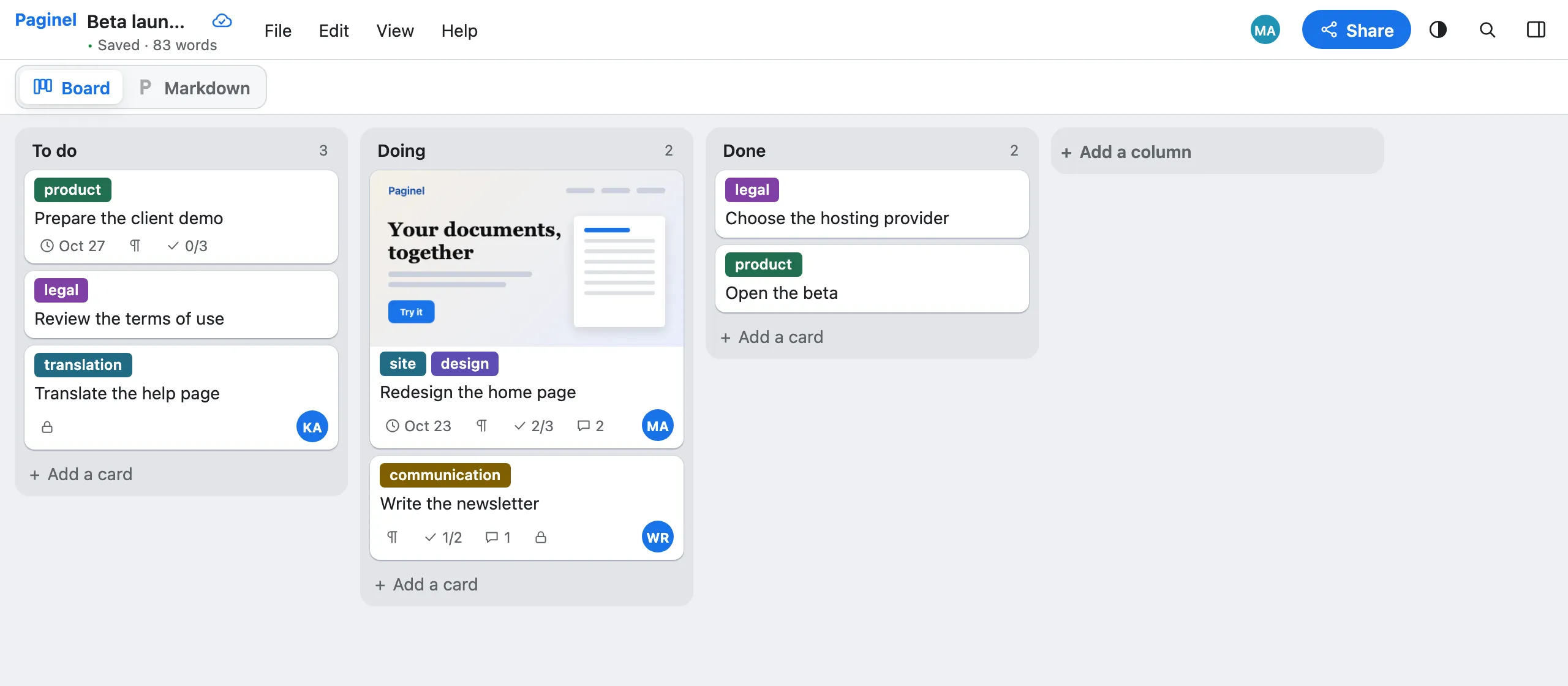
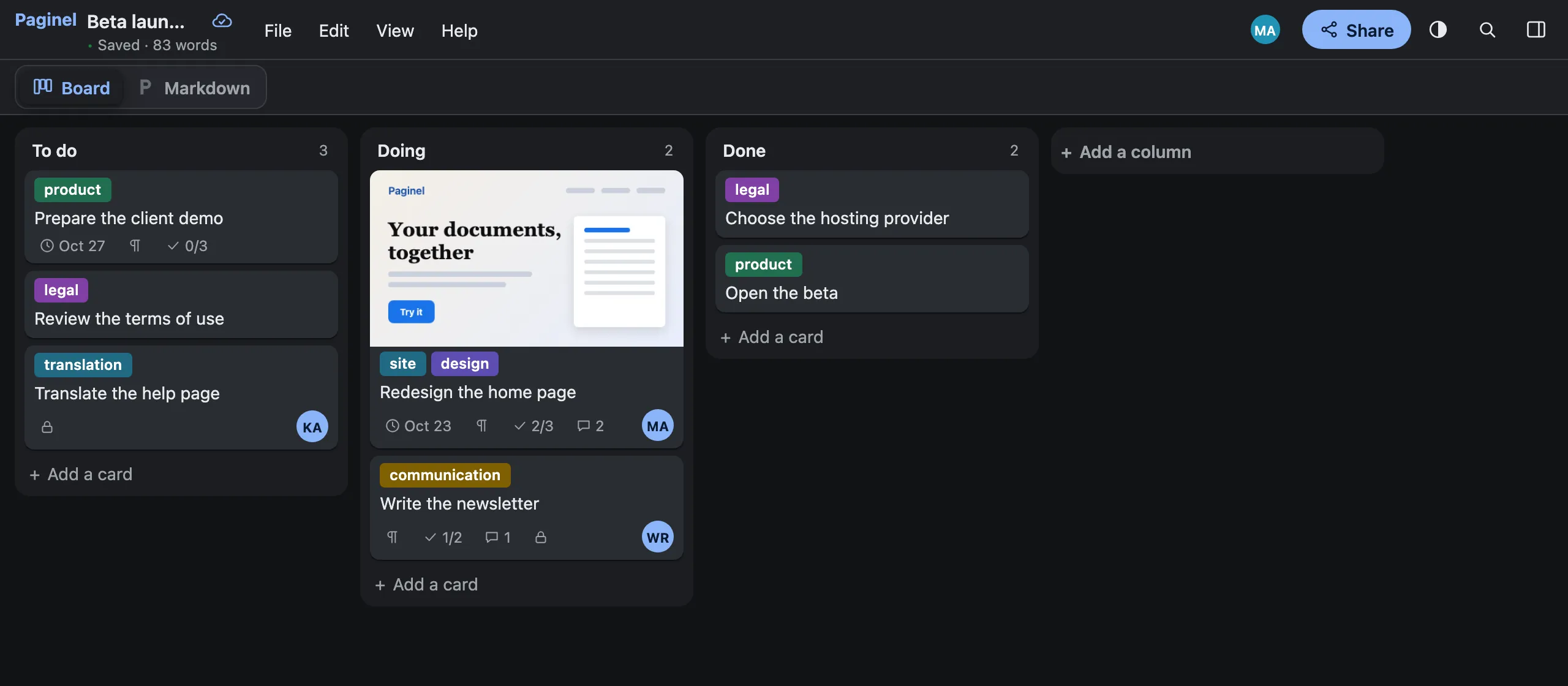
Paginel Board sorts your tasks into columns and cards, like a classic kanban. Every board is a Paginel document written in Markdown: you handle it with the mouse, your agent reads and writes it like a text file, and each of you sees the other’s changes the moment they happen.
Create an account Create my account My documents See the format
Included in Paginel’s free beta, in the browser.
The boardEasy to handle
Create and arrange
“New board”, in My documents: three columns are waiting for you, To do, Doing and Done. Cards and columns are dragged with the mouse or the keyboard; right-click a card to open it, move it, copy its link or delete it.
Everything in the card
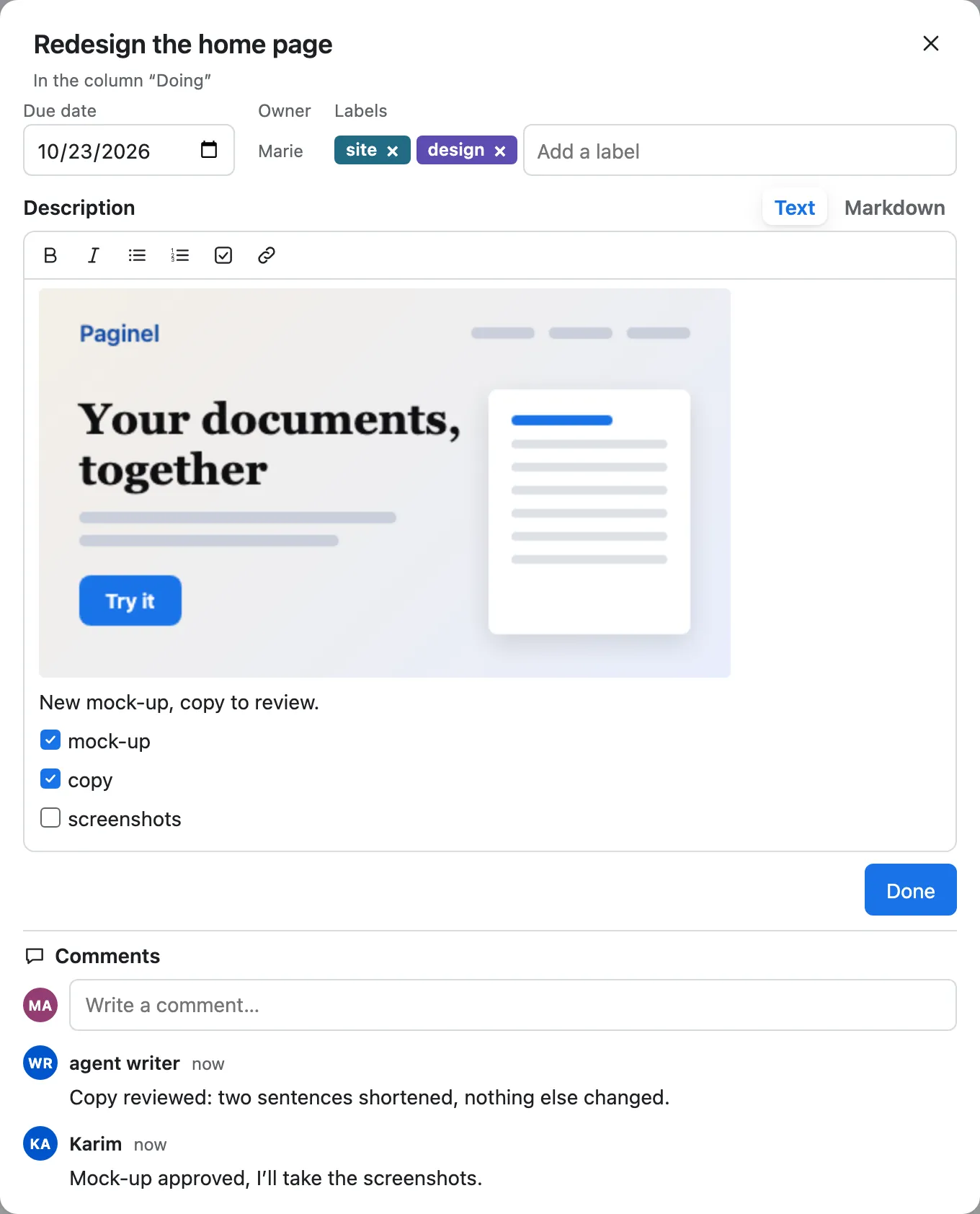
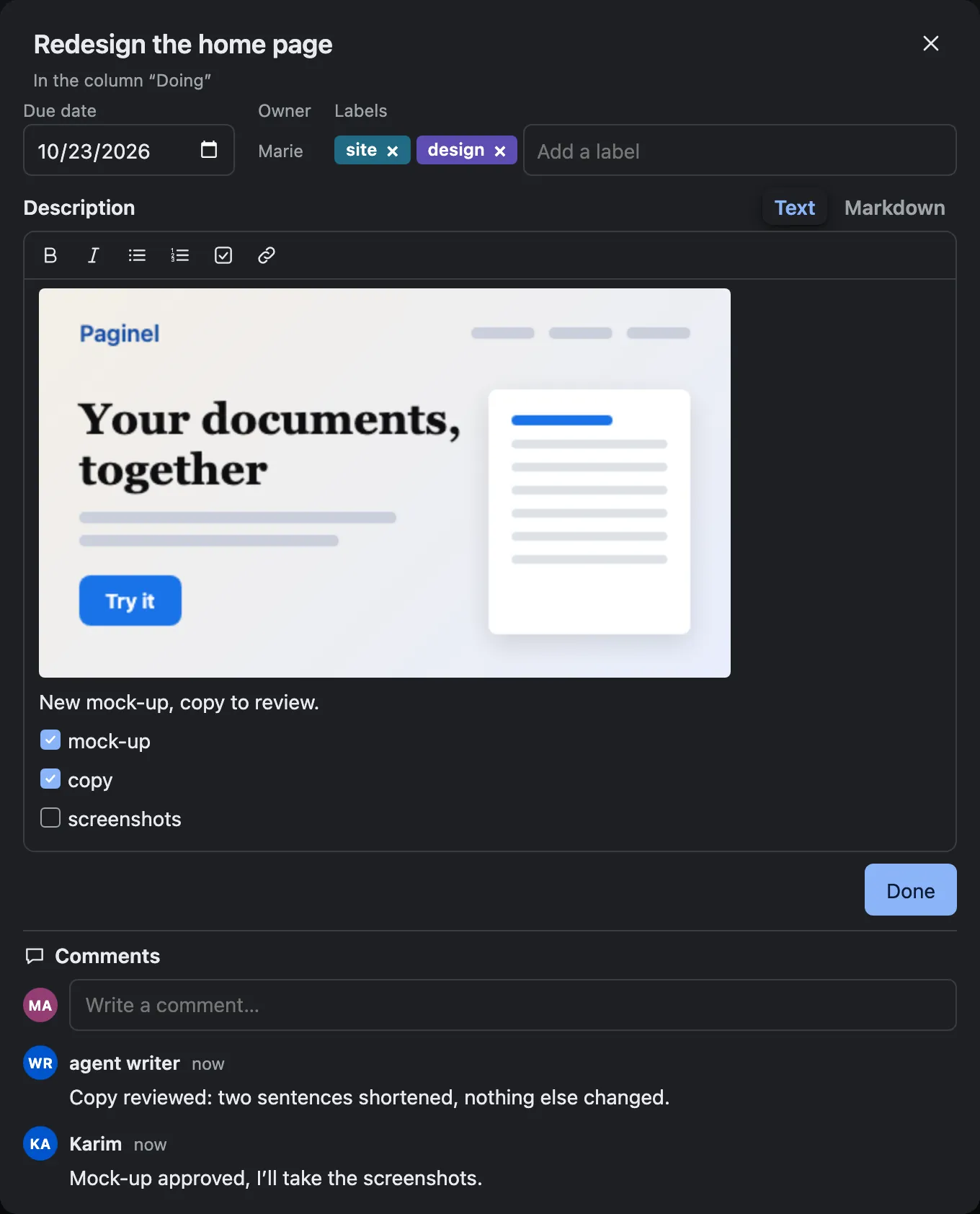
Once open, a card holds a due date, labels, an owner (a person or an agent) and a description, written in text or in Markdown. An image pasted into it becomes its cover.
Tick and comment
Task lists are ticked with one click, and the closed card shows how many boxes are done. Follow-up comments go with it from one column to the next.
Together, live
What one person moves moves at once for the others: everyone works on the same board, at the same moment.
Developers and agents
The formatThe board is a Markdown file
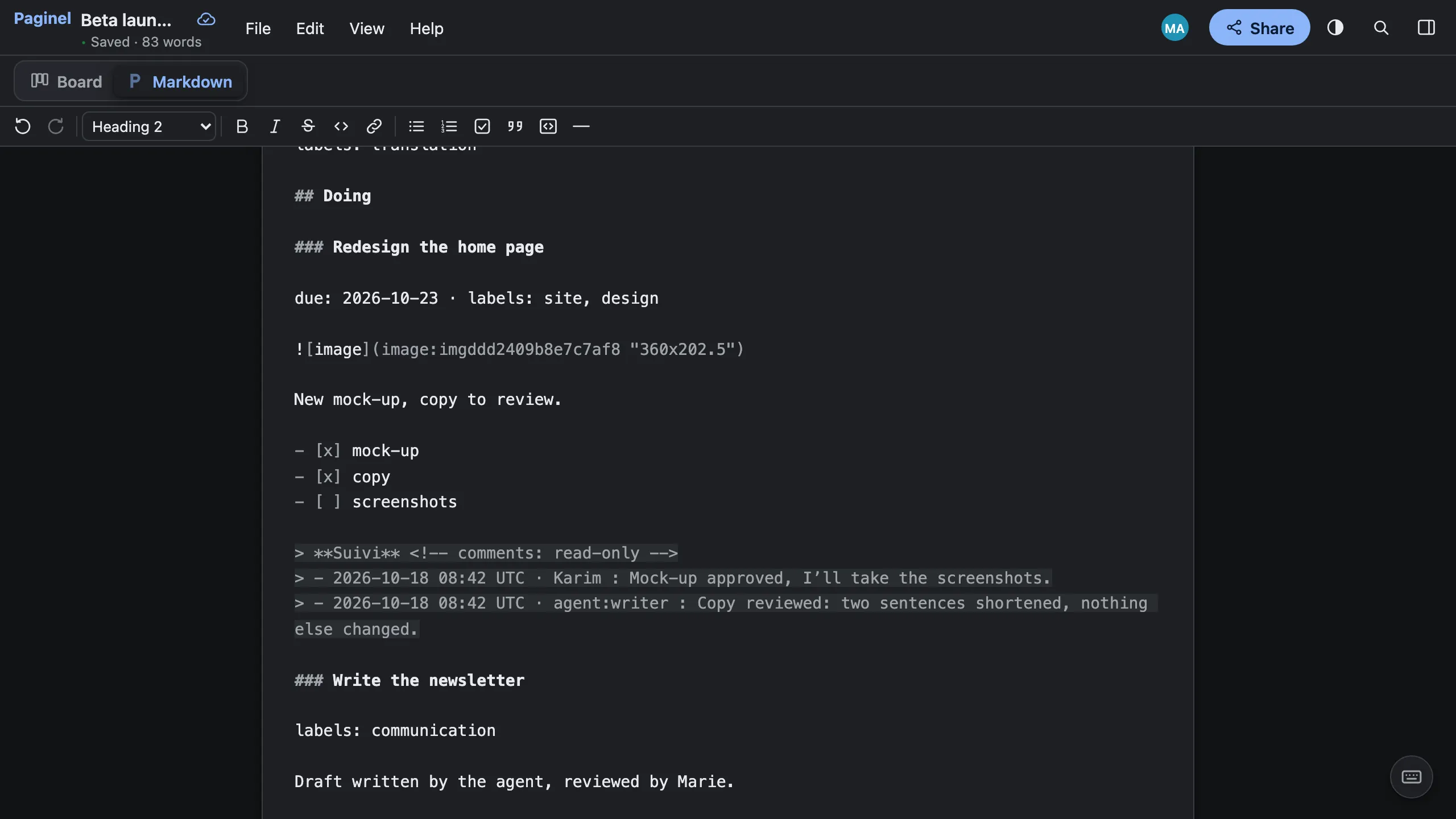
No separate database, no in-house format: a board is a Paginel document, and its text is Markdown. A column is a ## heading, a card a ### heading. Under the heading: the due: and labels: line, the description, the - [ ] tasks.
Comments are copied at the end of each card, in a read-only “Suivi” (follow-up) block, with times in UTC. An agent reads them with the rest; changing that block changes no comment.
The Markdown button, at the top of the board, shows this text and lets you edit it: the board follows. File › Download › Markdown (.md) saves it, readable in any editor.
Beta launch.md (excerpt)## Doing### Redesign the home pagedue: 2026-10-23 · labels: site, designNew mock-up, copy to review.- [x] mock-up- [x] copy- [ ] screenshots> **Suivi** <!-- comments: read-only -->> - 2026-10-18 08:42 UTC · Karim : Mock-up approved, I’ll take the screenshots.> - 2026-10-18 08:42 UTC · agent:writer : Copy reviewed: two sentences shortened, nothing else changed. 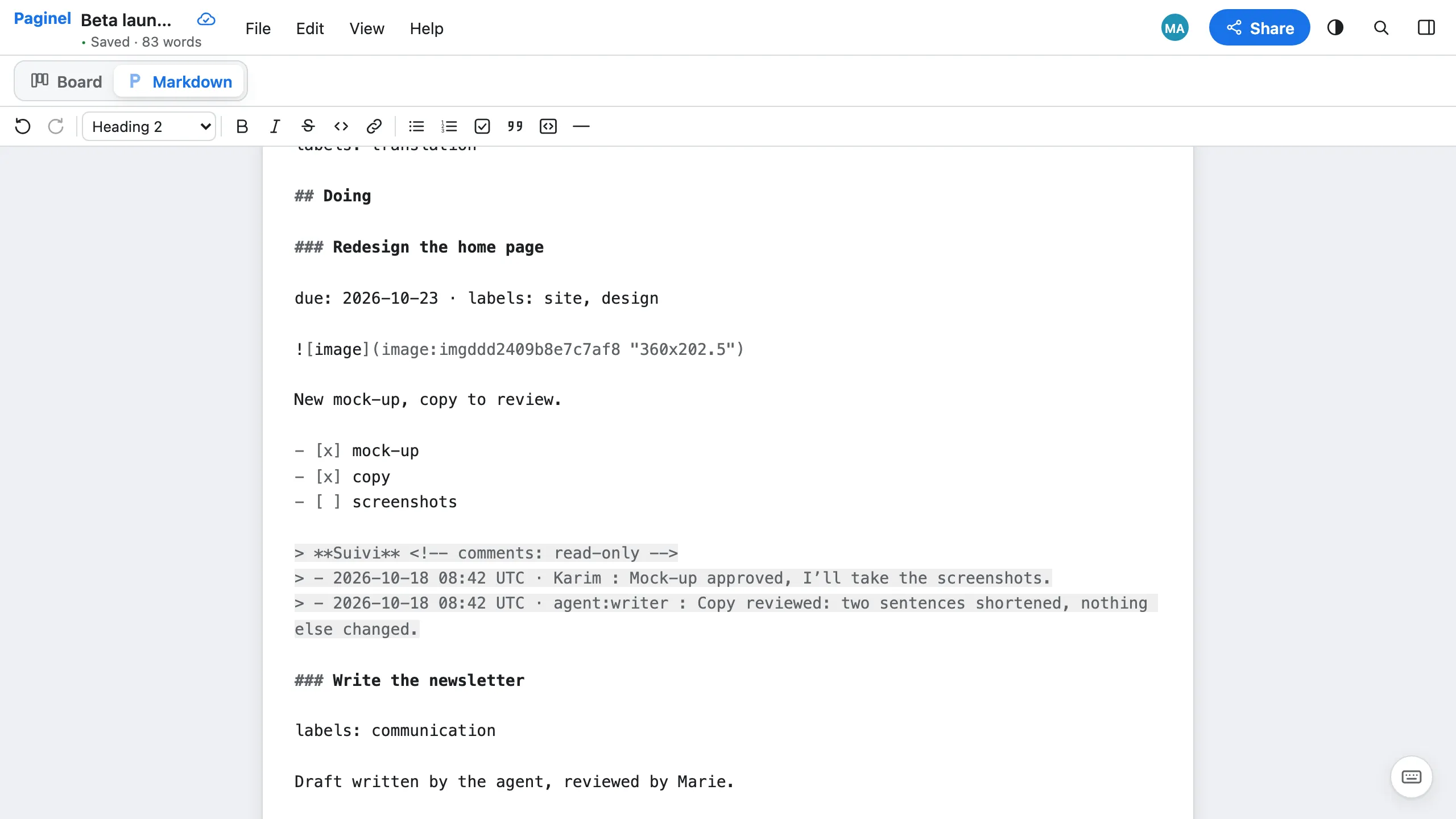
AgentsWhat your agent does
Through the REST API and the paginel SKILL
With an API token, your agent reads the board as Markdown and writes it the same way. A new card is a ### heading in its column; a finished task, a [ ] turned into [x].
Through the Paginel connector
From Claude or ChatGPT, through the connector: read reads the board, add_card adds a card, comment_card leaves a follow-up on a card, card_comments reads a card’s comments back.
In plain sight
What it writes shows up live in the open board, like a person’s move. Give it a card: its initials show on it.
Signed, reversible
Every write carries its name (agent:name); Edit › Version history… shows the versions and restores one. Revoking its token, or removing the connected app’s access (“Remove access”), cuts it off entirely.
Not yetWhat Board does not do (yet)
- No desktop app and no offline work: Board opens in the browser, online.
- No import from Trello or from any other tool.
- No list or calendar view: the board, or its Markdown.
- No archive and no board templates.
- Dragging with a finger has not yet been tried on a real phone.
Try Paginel Board
Board is included in the free beta. Create an account, then “New board” in My documents.