In beta, free
The word processor that complements Word and Google Docs, or replaces them.
Your .docx files stay .docx files, as easy to share as a Google Doc: invite anyone with a link or a code, and everyone writes together. Your AI agent works there too. Hosted in France.
Online together, or on your desktop with no connection
The same document, in the browser or in the desktop app. Network down? Keep writing; everything comes together when it is back.
Coming soon: SharePoint, OneDrive and Dropbox. Paste the address of a document where it lives, and it opens.
Online, together
- A browser is enough: nothing to install.
- Your guests join with a code and their name, without creating an account.
- You choose how long the code stays valid: one session, 24 hours, 7 days, or until you revoke it.
On your desktop, even with no network
- The app opens your
.docxand Markdown files, in your own folders. - With no connection, you write, save and export to PDF as usual.
- When you reconnect, your changes and the others’ merge, with no conflict to resolve.
Markdown, Web, Editing, PDF
Four views of the same document, in the order you work. The text glides from one view to the next and you keep your place.
- Markdown to write fast, without thinking about formatting: headings, lists, bold, from the keyboard. It is also the language of AI agents.
- Web for notes, manuals and articles: a clean web page, with no paper, where the Markdown you type formats itself.
- Edit to polish as in a word processor: styles, tables, images, comments, with the font and size always visible.
- PDF to check the pages as they will be printed: breaks, headers, numbers. Nothing is edited there: what you see is what comes out.
Your AI agent, in your documents
Connect Claude or ChatGPT in three steps: it finds your documents, reads them and adds your ideas, within what you open to it and under its own name. What it writes shows and can be undone in the history, and you remove its access whenever you want.
- In Claude or ChatGPT, add the Paginel connector:
https://paginel.com/mcp. - Choose what it may open: all your documents, or a few folders.
- Talk to it: “Add bread to my shopping list.”
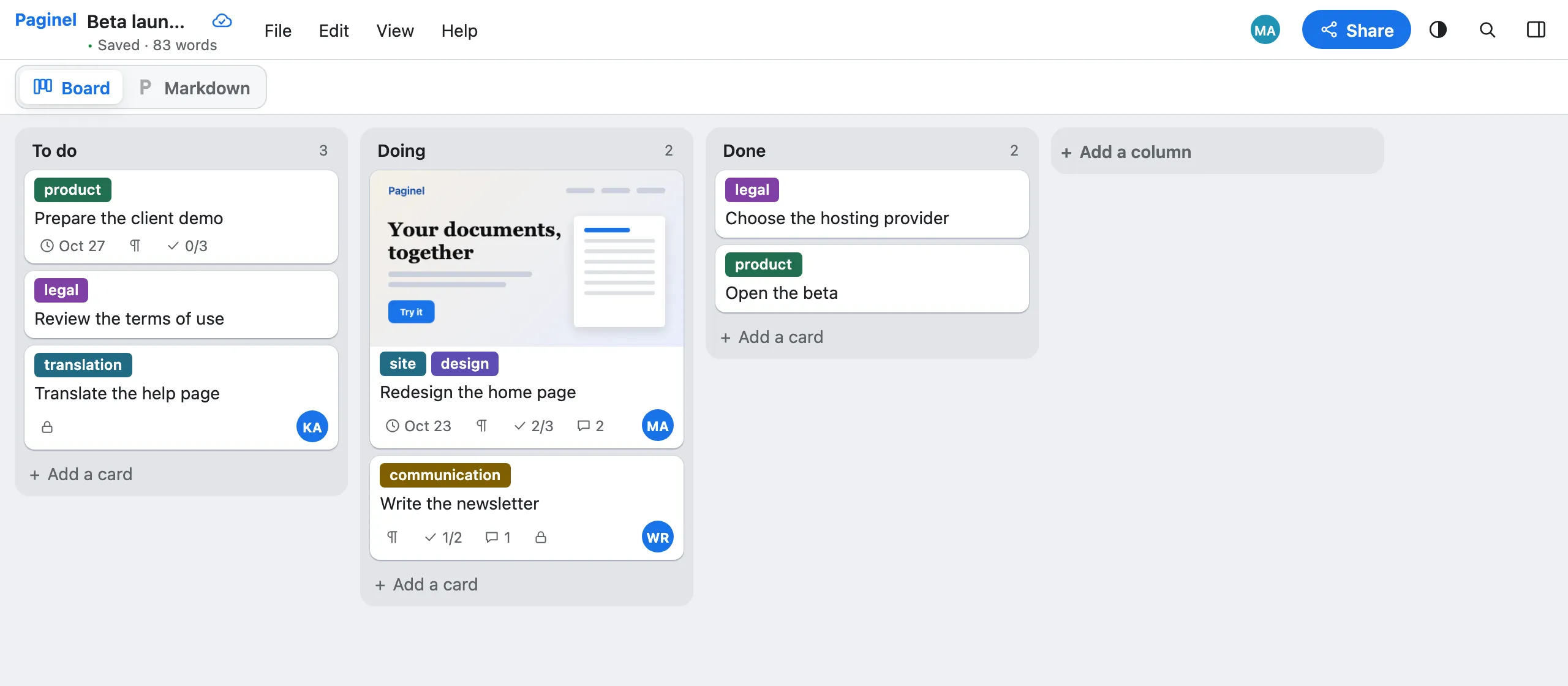
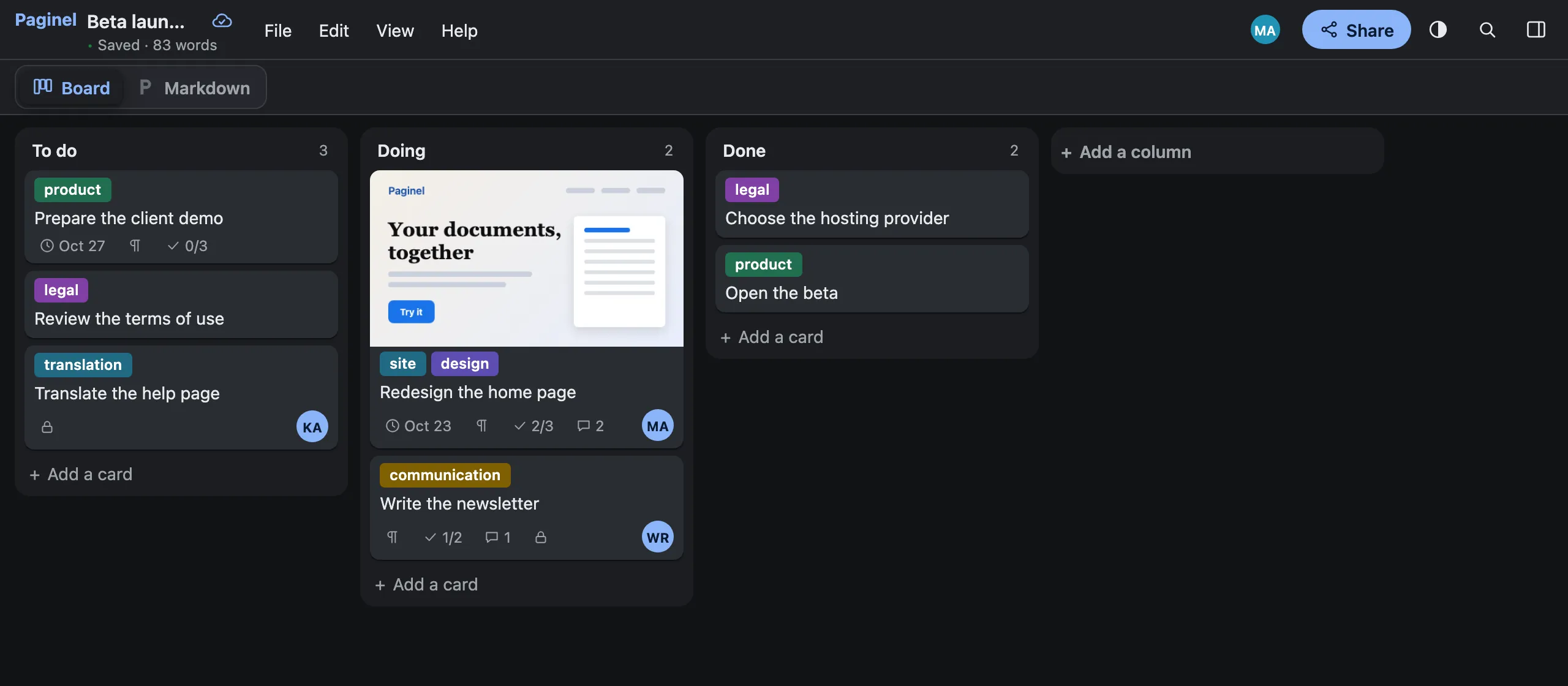
Paginel Board: your tasks as cards
A kanban in Paginel: columns and cards you drag, tasks, comments, several people in real time. Every board is a Markdown file your agents read and write.
Word-compatible
Your .docx files stay .docx files
Paginel reads and writes Word files itself: what it does not change is kept as it was. You need neither Word nor a Microsoft licence to work.
Fast, and measured
- 2 s
- to open a 40-page report
- a few ms
- for a keystroke to reach the others
Your data, in France
Our commitment: your documents stay in France, encrypted, exportable and erasable. We do not read them, we do not sell them, and we train no model on them.
Simple pricing
Paginel is free during the beta, and a free plan will remain. Once the app is complete, the individual licence will start at €2 a year (VAT included), then rise gradually to €20 a year. Nothing becomes paid without your consent.
For businesses and integrators
A turnkey solution, hosted in France, or installed on your own servers: your company sign-in, an API for your tools and your agents.
Frequently asked questions
Do I need a Word licence?
No. Paginel reads and writes .docx files itself: you need neither Word nor a Microsoft 365 subscription. To open a SharePoint document (coming soon), you will need a Microsoft account that has access to it.
Where are my files?
With the desktop app, on your computer, as usual. The documents you share are kept by Paginel, in France (see Data management). A document from SharePoint or Dropbox (coming soon) will also stay there: Paginel will save your changes back to it.
Do my colleagues need to install anything?
No. A browser is enough. Your guests join with a code or a link, without creating an account.
Want to try it?
The beta is open and free: create your account in a minute.
Create a free account Create my accountYou were invited to a document: you can also create your account, for free.