Features: from raw to paper
A text goes through four views: raw, written together, a document, the PDF. Each has its own logo, in dark and light, and a palette of three colors.
The visual identity (logos and palettes) is a proposal under review. It is not in the app yet, and the site header keeps its current wordmark.
We start from noise, write together, lay out, fix.
1 / 4 · Raw
Markdown
From noise, a signal, then a shape.
You write text, nothing but text. No toolbar: what you type goes into the document paragraph by paragraph, and the formatting comes from the Word template.
- The view for agents and developers: Markdown is the language of exchange, pasted and copied as is.
- Markup stays discreet:
#,**and-are grey, and turn colored and bold with the Markdown button in the bar. - Menus of their own: Format and Insert only hold Markdown commands, which write the markup into the text.






2 / 4 · Writing together
Web
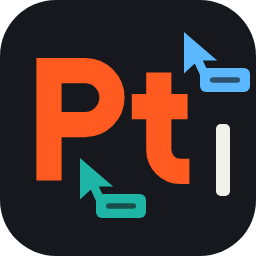
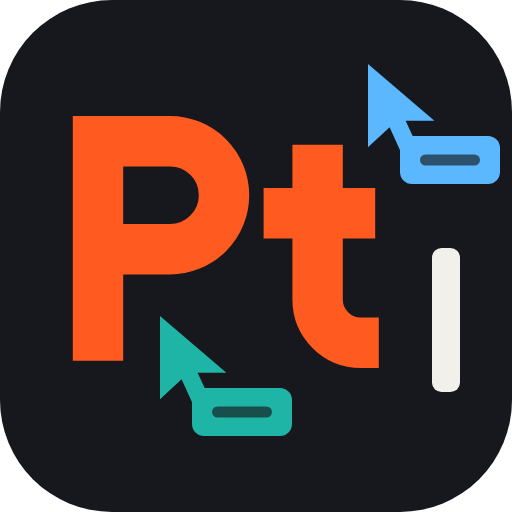
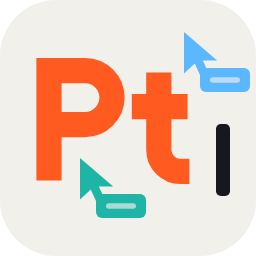
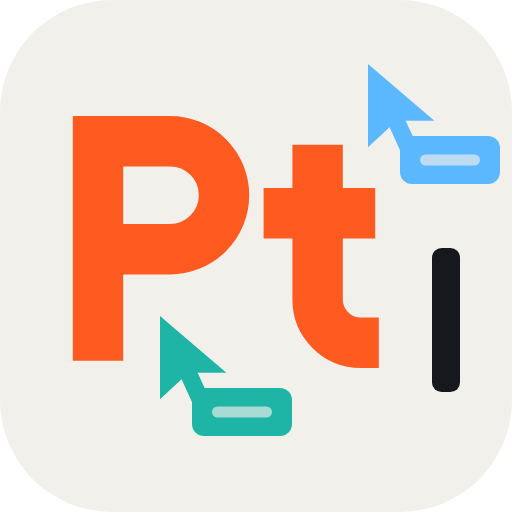
One page, several cursors.
A clean web page, in the spirit of a shared notebook: a narrow column, the web’s font, no paper, no margins. Take notes together, write manuals, tutorials, posts.
- The same editor as Editing, without the paper: the Markdown you type is formatted as you go.
- One cursor per person, with their name: you see who is writing where.
- A small keyboard, at the bottom right of the page, lists the shortcuts and what typed Markdown does.
This view is recent: it is still under review.






3 / 4 · Print
Editing
The text becomes a document.
Rich editing, compatible with Word: fonts, margins, headers, footers and page numbers, page breaks. Open a Word template and polish on a computer, in the browser or on a phone.
- Pasting Markdown is the encouraged path: the structure becomes the formatting, heading levels included.
- A Markdown mode (Editing › Markdown mode) formats
## Titleor**bold**as you type. - Real Word files: you open and save .docx files.






4 / 4 · Fixed
The document is fixed.
The PDF view shows the result, with its warnings, and exports the file. It is never editable: editing a PDF would make no sense.
- Printing is adjusted elsewhere: in Editing (font, size, spacing, page breaks) and in File › Page setup.
- Compare with the PDF: a second engine draws the real PDF next to the pages, to check.
- Export: the PDF file comes out of this view.






One logo, several sizes
The drawing simplifies with size, to stay legible. At 16 and 32 px, only the two letters remain. At 48 and 64 px, the drawing appears without other people’s cursors: a few pixels coming apart (Markdown), the cursor bar (Web). From 128 px, the drawing is complete, with the two colored cursors of the Web view.
Each logo comes in dark and light, as SVG, full or simplified, and as PNG from 16 to 512 px, on a transparent background.
The transitions
Each logo turns into the next: this is the frame of an animation. The letters stay in the same place from one page to the next, and a landmark passes from logo to logo: the cursor bar, then the full stop. Five frames per transition, from the start (left) to the end (right).
Markdown → Web
The pixels grow until they touch and turn orange; the noise fades; other people’s cursors arrive.
Web → Editing
The square becomes a page, the letters get their serifs; the cursor bar slides to the full stop and turns orange.
Editing → PDF
The corner unfolds, the page is fixed, crop marks arrive, and the full stop turns to ink.
PDF → Markdown
The page comes apart into pixels, and it all starts again: the loop.
Four palettes, four moments
A palette is a style reserved for one part of the site or one feature: it follows the stage, or the audience. The rest of the site keeps its plain palette.
- Markdown: pages for developers and agents, once they exist (API, AI).
- Web: pages about writing together: cursors, sharing, collaboration.
- Editing: pages about the document: Word, page layout.
- PDF: pages about the result: export, printing.
For now, this page is the only one to use them.
Going further
- How Paginel works The app, the server, and how your changes travel, without jargon.
- Data management Where your documents are, who can read them, how to take them back and erase them.
- Microsoft administrators The Microsoft permissions Paginel asks for, when and why.
- Help The questions we are asked most.